 ✦ Coming soon
Your GPU server,
as a desktop.
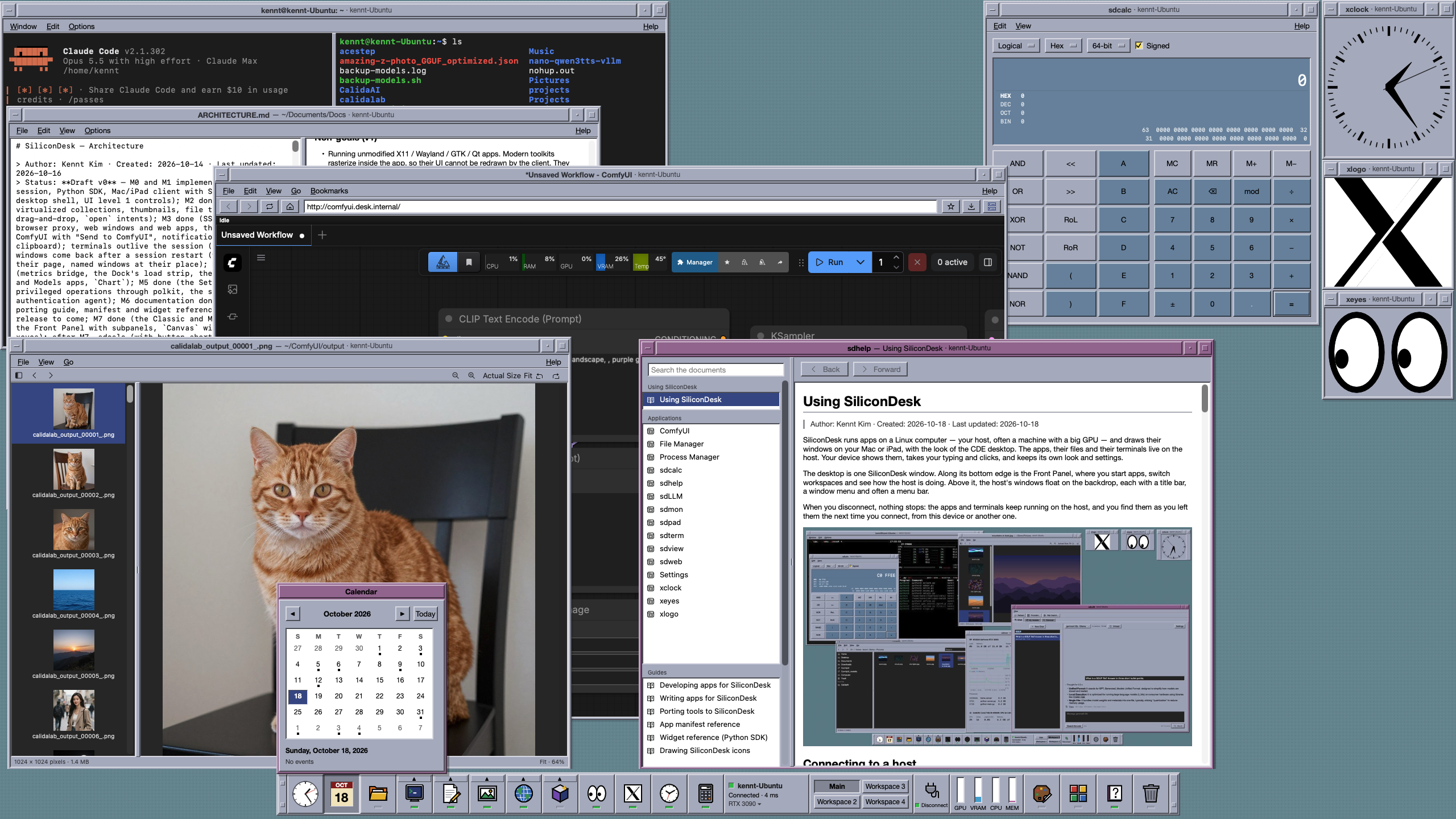
SiliconDesk — the Silicon Desktop Environment. Apps run on your Linux server; their windows are drawn natively on your Mac and iPad, with your device's own fonts and controls. Close the lid, switch devices, lose the Wi-Fi: nothing on the server stops.
Mac · iPad · Linux server (x86_64 and ARM)
Drawn natively
Crisp windows,
not a video of them.
Remote desktops send pixels: blurry text, lag, a picture of a screen. An app on SiliconDesk sends what its window holds, and your device draws it with its own fonts and controls — sharp at any size, and light on a slow connection, because only what changed travels.
- Native text, editing and scrolling on Mac and iPad
- Only what changes travels, over one SSH connection
- The look of CDE, the classic Unix desktop, made for today
- Copy, paste and drag files between the server and your device
Sessions that last
Disconnect.
Nothing stops.
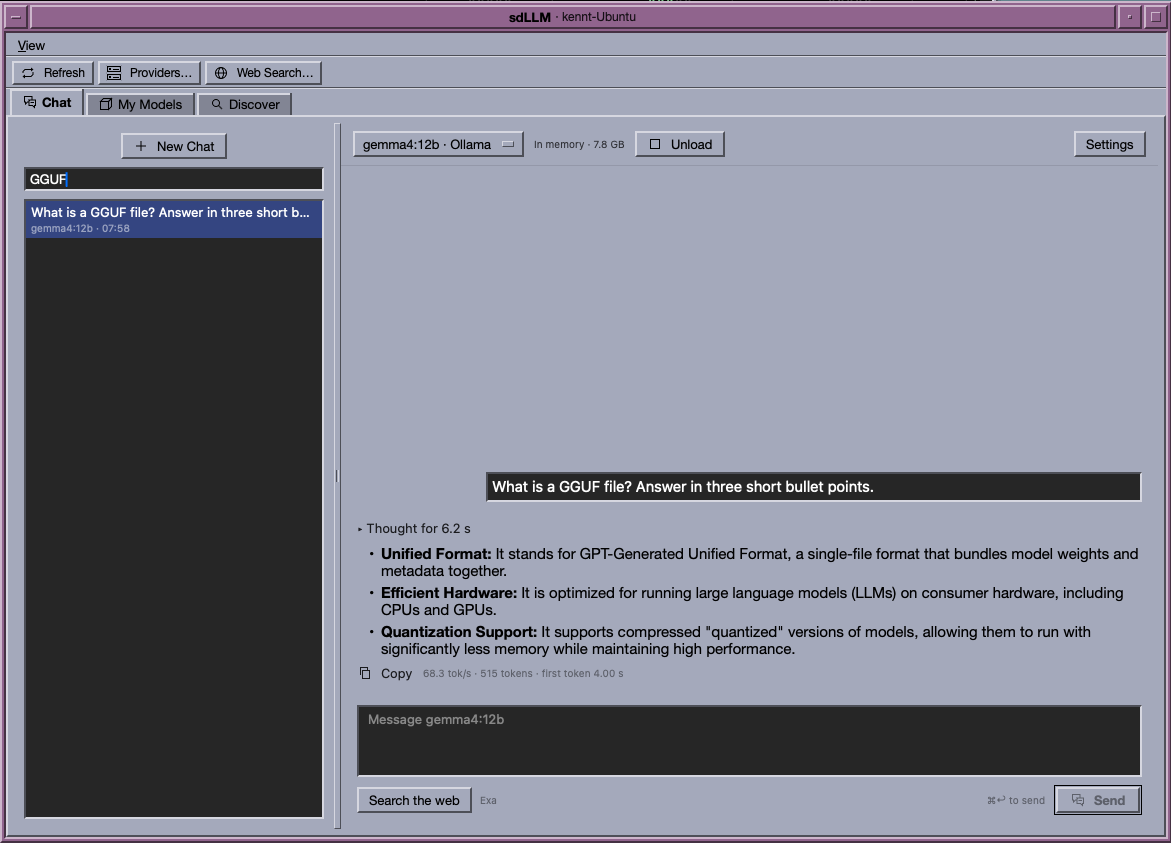
Your desktop lives on the server. Close your laptop, walk away, pick up your iPad: the terminals, the training run, the AI agent working through your code are all still going, and every window comes back where you left it.
- Terminals keep running across disconnects and restarts
- Windows come back in their places, on each device
- From the office, from home, from anywhere
- Your code and data never leave the server
Web tools without ports
No ports to open.
Nothing to ask.
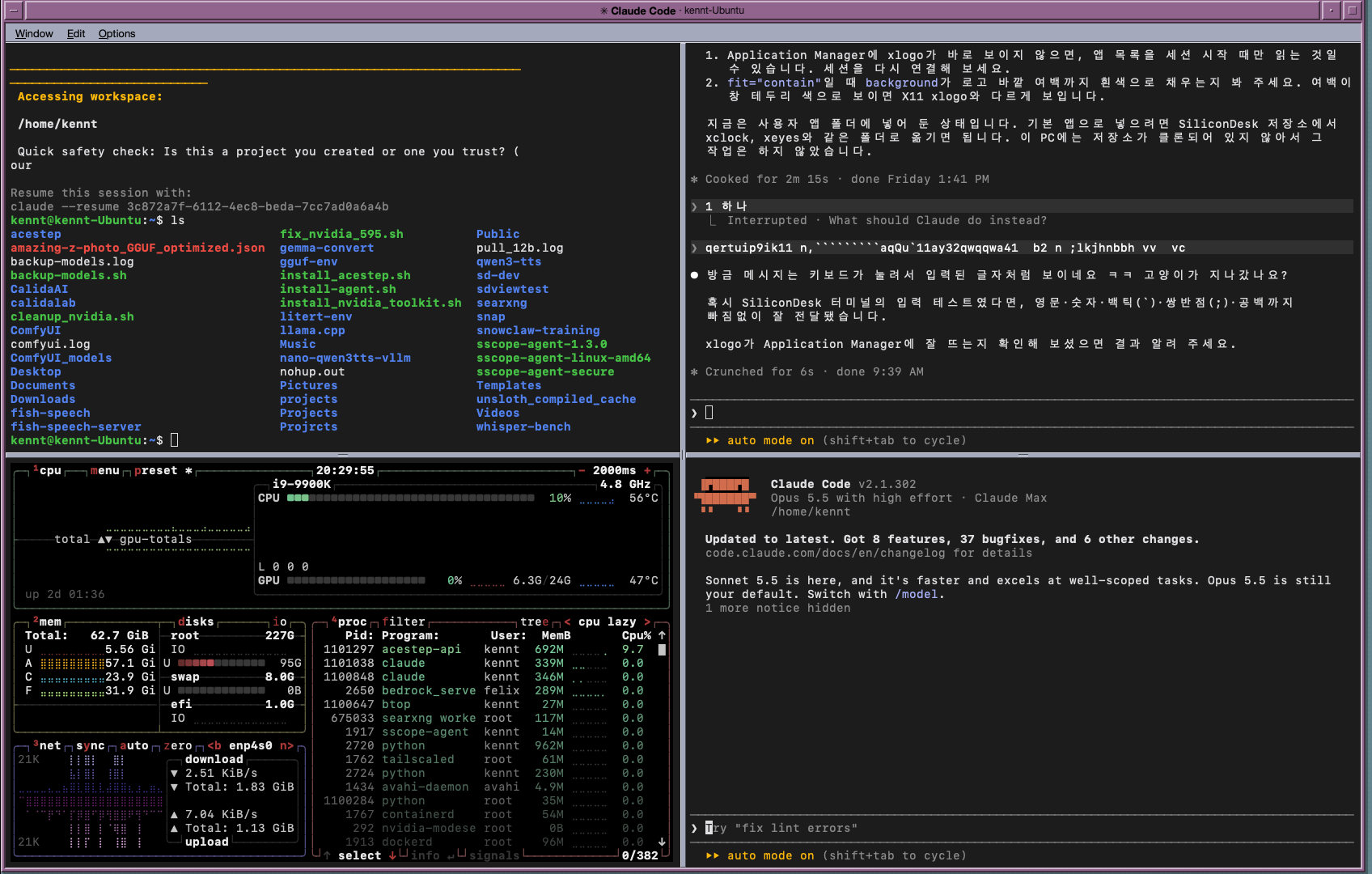
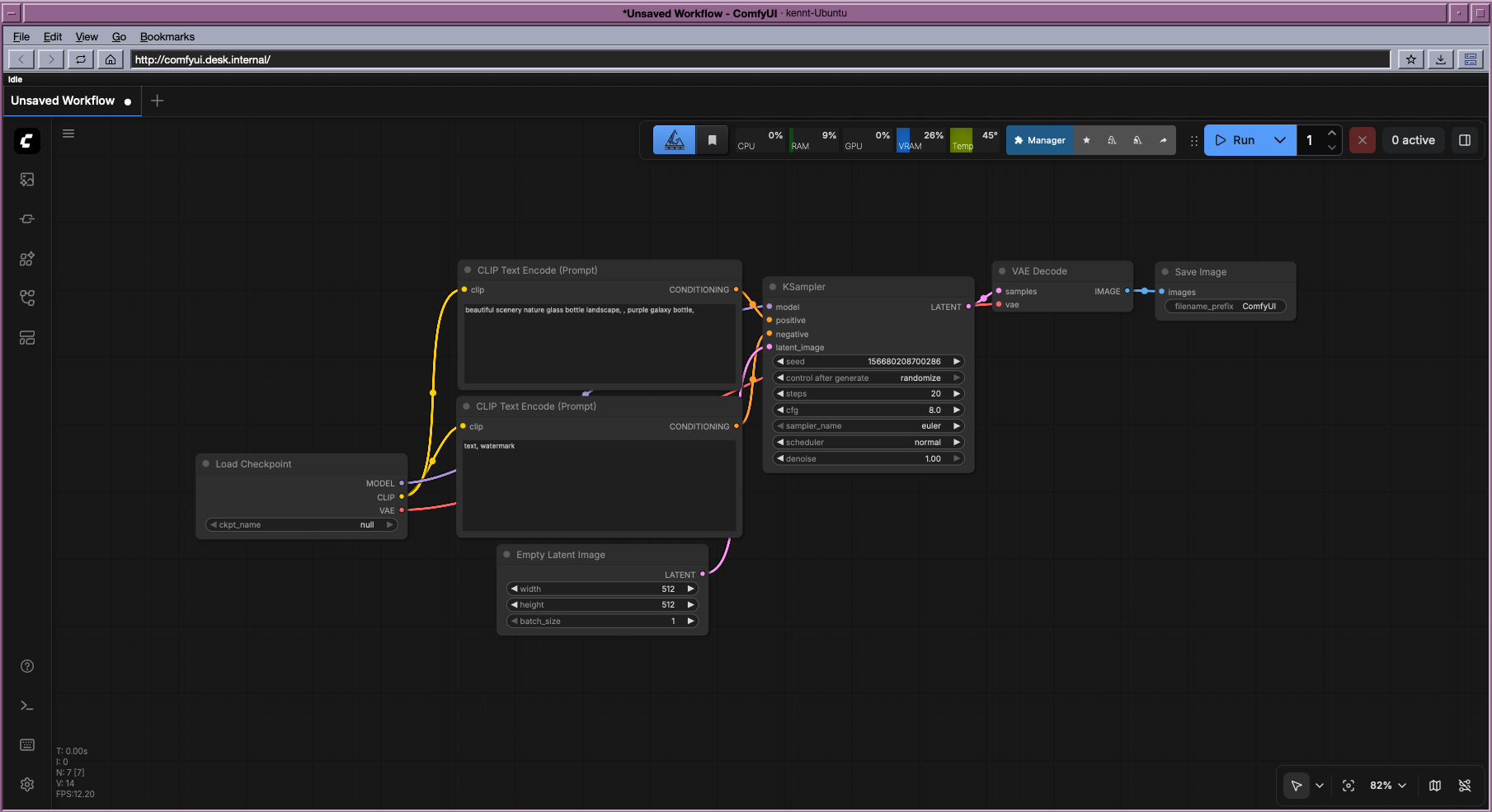
ComfyUI, notebooks and dashboards run on the server and open in SiliconDesk's own web windows, through the same SSH connection. They can stay on the server's loopback: no forwarding to set up, no port to open, no request to the server's administrator.
- A web tool on the server opens like an app
- One connection, no tunnels to manage
- Downloads stay on the server, where the work is
- Send pictures from the File Manager straight into ComfyUI
Know your GPUs
See what
holds the card.
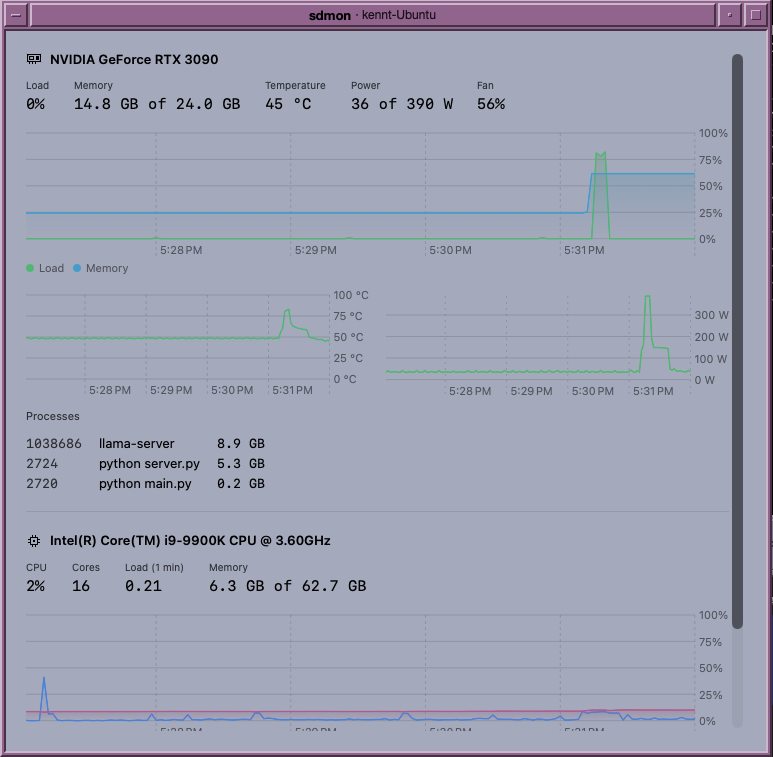
The Front Panel shows the server's load at a glance; sdmon charts each GPU's load, memory, temperature and power, and lists the processes holding its memory — from the makers of SiliconScope.
- GPU, memory and CPU gauges always in view
- Each GPU charted, with the processes on it
- A process manager that ends what you started
- Local models through Ollama, chatted with in sdLLM
A whole desktop
A Front Panel with workspaces, a File Manager, a terminal, a text editor, a picture and PDF viewer, a web browser, settings for the server, and help for every app.
Your own apps on it
Write apps in Python with the SiliconDesk SDK, or bring an existing web tool with a short manifest. Your lab's or company's tools sit beside the rest.
Little to install
The server needs Linux, an SSH server and Python 3.10. SiliconDesk installs itself in your home folder on the first connection — no root, nothing system-wide.
Built for privacy
Your device draws the windows; the code, the data and the models stay on the server. Nothing goes through a cloud of ours.
Mac and iPad, to your Linux server.
One desktop, the same on every device you work from.
Coming soon
SiliconDesk is in use every day and being finished for release. For labs and teams who want to try it on their servers, write to us.
Mac · iPad · Linux server